
How to Order Custom Products
Ordering is a two-site flow: browse and discover on ShoppeCanada.ca, then complete product details and checkout on kingofstickers.com. Use catalogue products for ready designs, or Design Studio for custom stickers and magnets.
Related products
Showing 6 of 714 matching catalogue items.

I Love Canada Die Cut Vinyl Sticker Window Cling or Magnet with Laminate Coating in Various Sizes
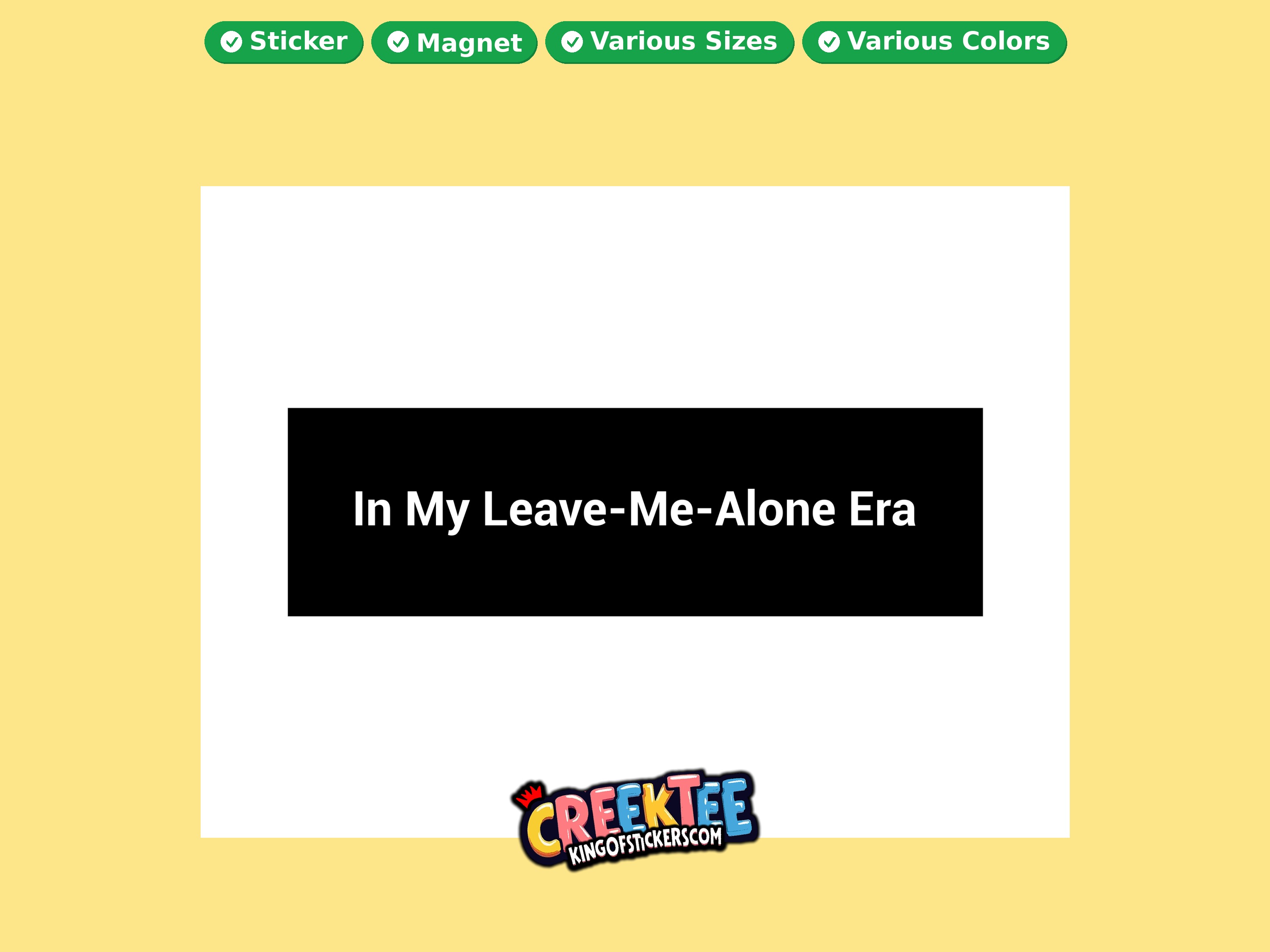
In My Leave-Me-Alone Era Vinyl Bumper Sticker Window Cling or Magnet in UV Laminate Coating and Various Sizes
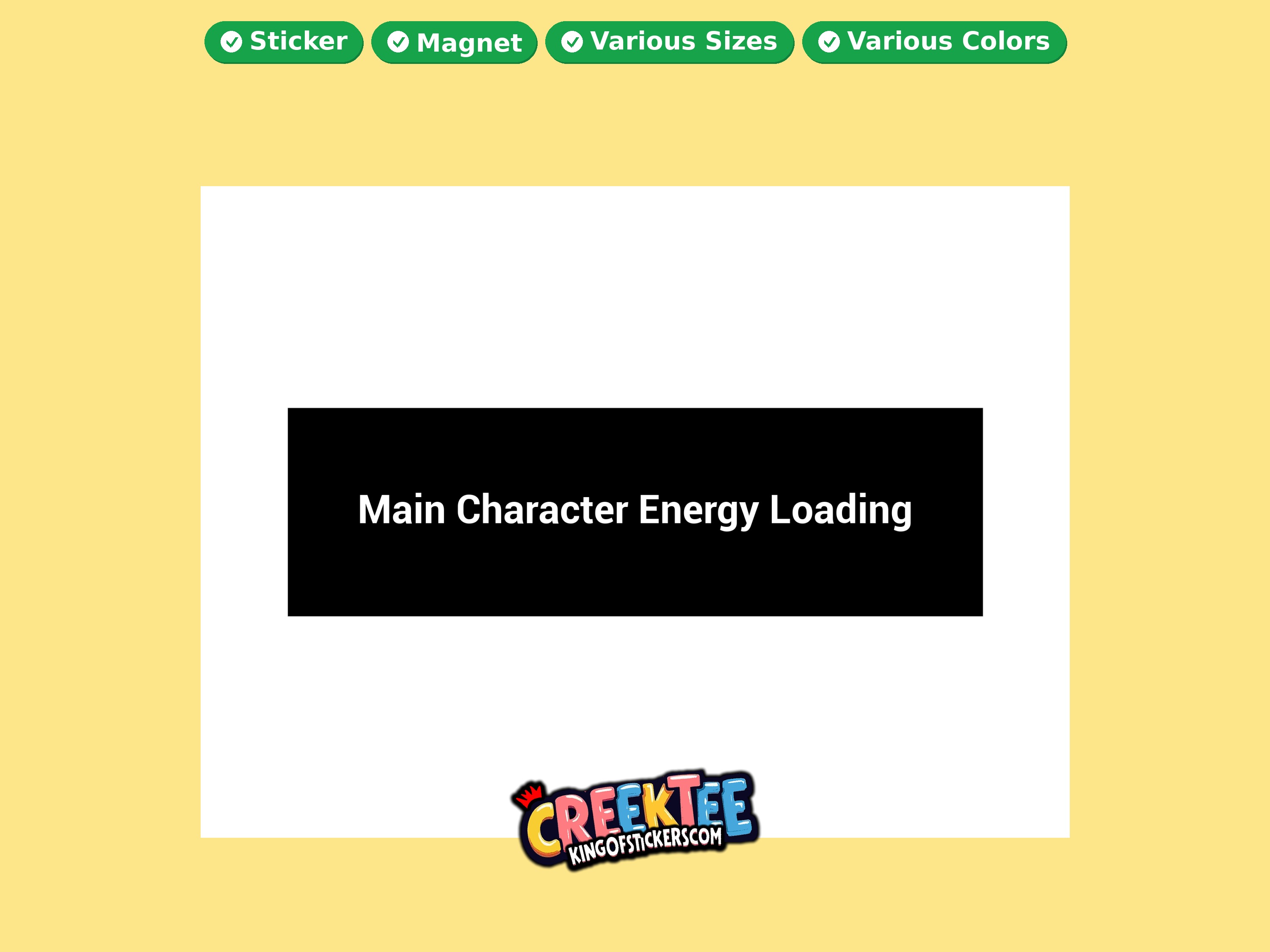
Main Character Energy Loading Vinyl Bumper Sticker Window Cling or Magnet in UV Laminate Coating and Various Sizes
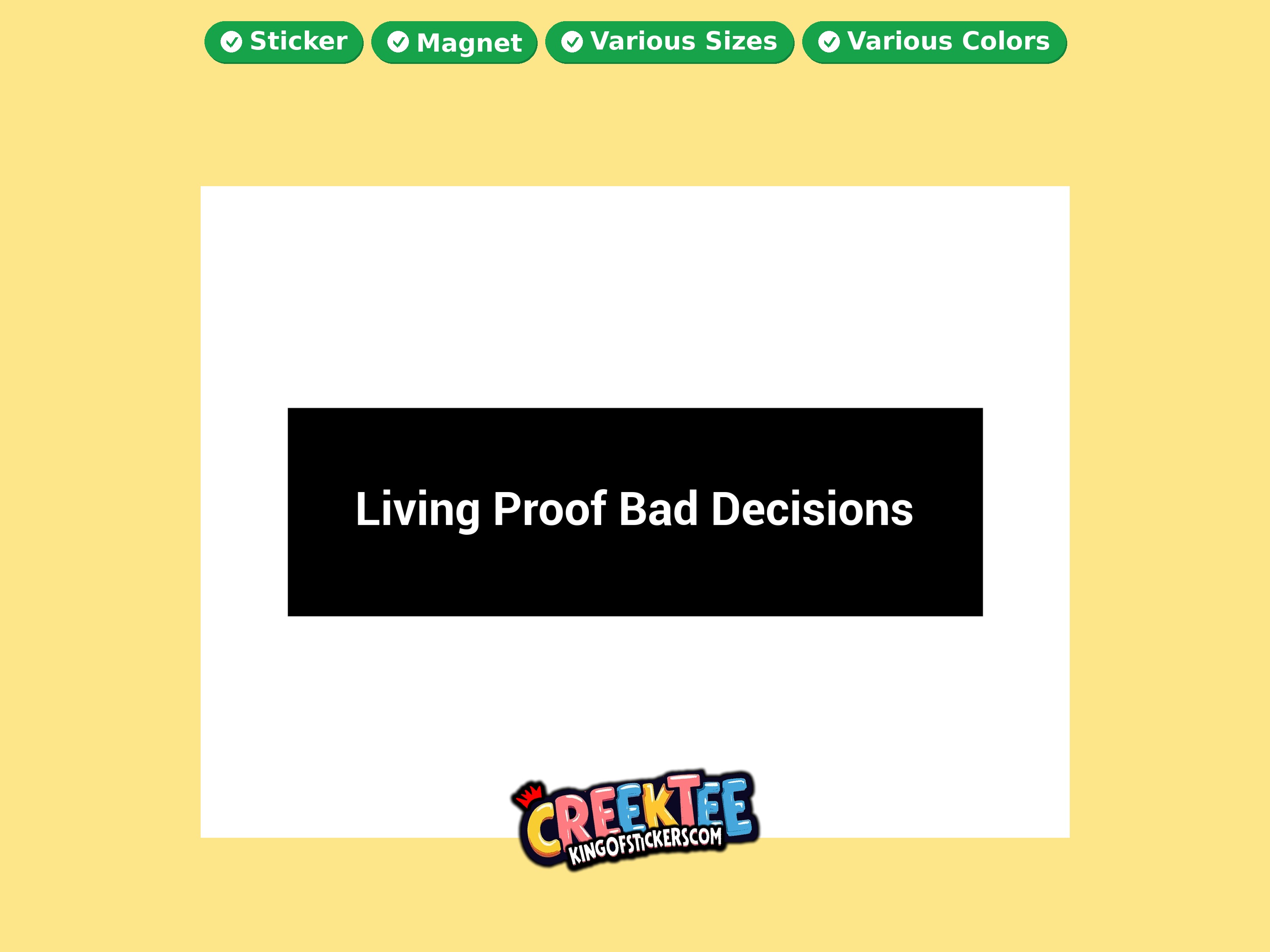
Living Proof Bad Decisions Vinyl Bumper Sticker Window Cling or Magnet in UV Laminate Coating and Various Sizes
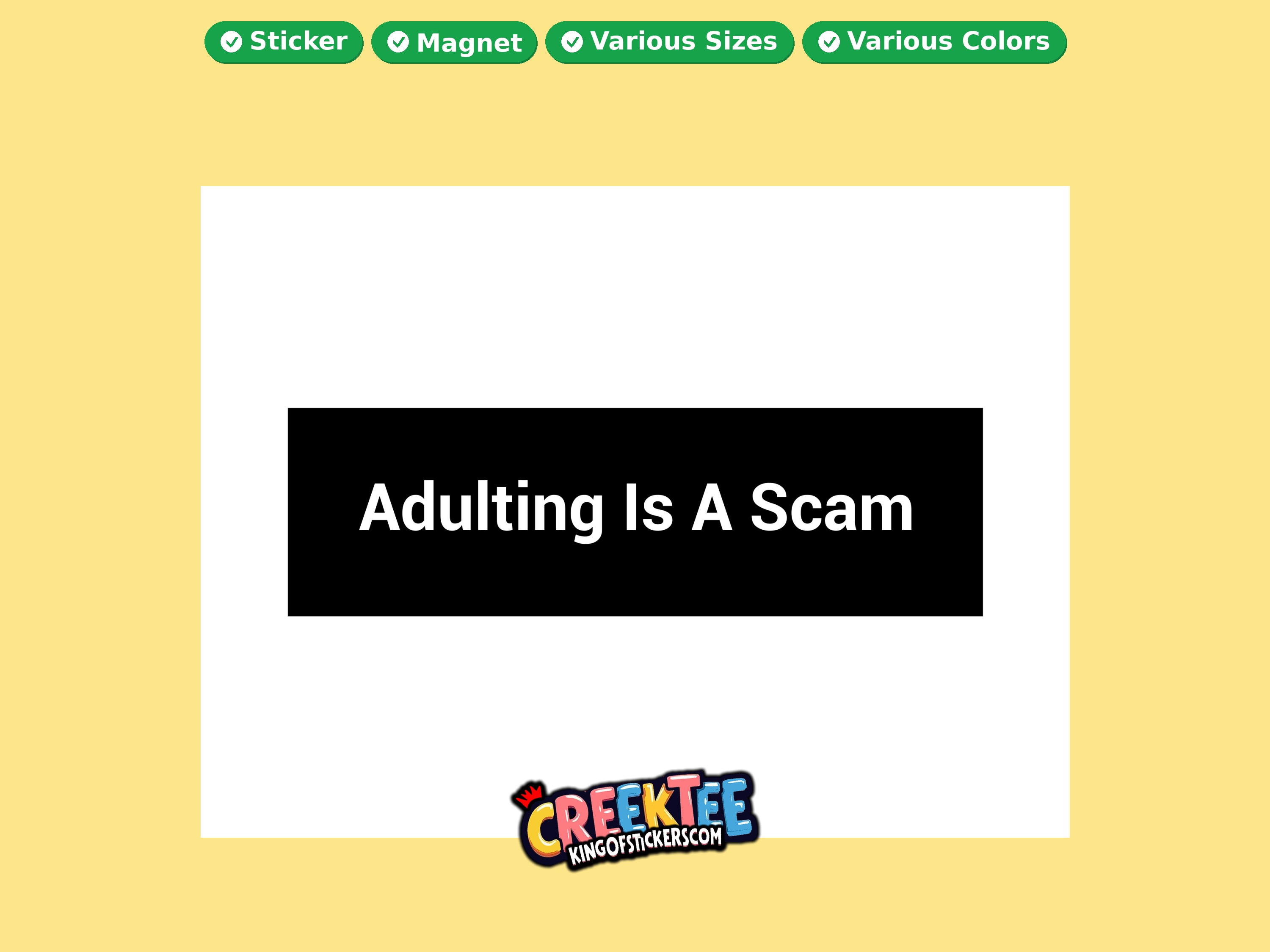
Adulting Is A Scam Vinyl Bumper Sticker Window Cling or Magnet in UV Laminate Coating and Various Sizes
Why shoppers choose this
- ShoppeCanada is the browsing storefront with category and landing pages.
- Product detail pages and checkout are on kingofstickers.com.
- Design Studio is free to use for custom bumper stickers and magnets.
- Order Status on ctkos.com tracks existing orders.
Application tips
- Browse a category or SEO landing page on ShoppeCanada, or search products by keyword.
- Open a product to view details on King of Stickers, choose options, and add to cart.
- Or launch Design Studio: choose a shape, add text/clipart/uploads, preview, then order.
- Complete payment on kingofstickers.com.
- Use Order Status on ctkos.com if you already placed an order and need tracking help.
Frequently asked questions
Why do I leave ShoppeCanada to buy?
ShoppeCanada is the discovery storefront. Checkout is handled on kingofstickers.com.
Is Design Studio free?
Yes. Designing is free; you pay when you place an order for printed products.
Can I order without designing?
Yes — pick a catalogue product and continue to its King of Stickers detail page.
Where do I get help?
Contact us via ctkos.com/contact.php, or see Custom Product FAQ.
Related collections
Ready to order?
Browse the full catalogue on ShoppeCanada, then complete checkout on King of Stickers — or design something custom in the free studio.